Capture a region
Your shortcut brings up a familiar region selector.
 PointShot
A LITTLE LESS TYPING. A LOT MORE CLARITY.
Capture a moment. Hold the spot that matters and say what you mean. PointShot connects your words to an arrow, ready to share.
v0.1.2 · Apple Silicon · macOS 27+
POINT → SPEAK → SHARE
Your shortcut brings up a familiar region selector.
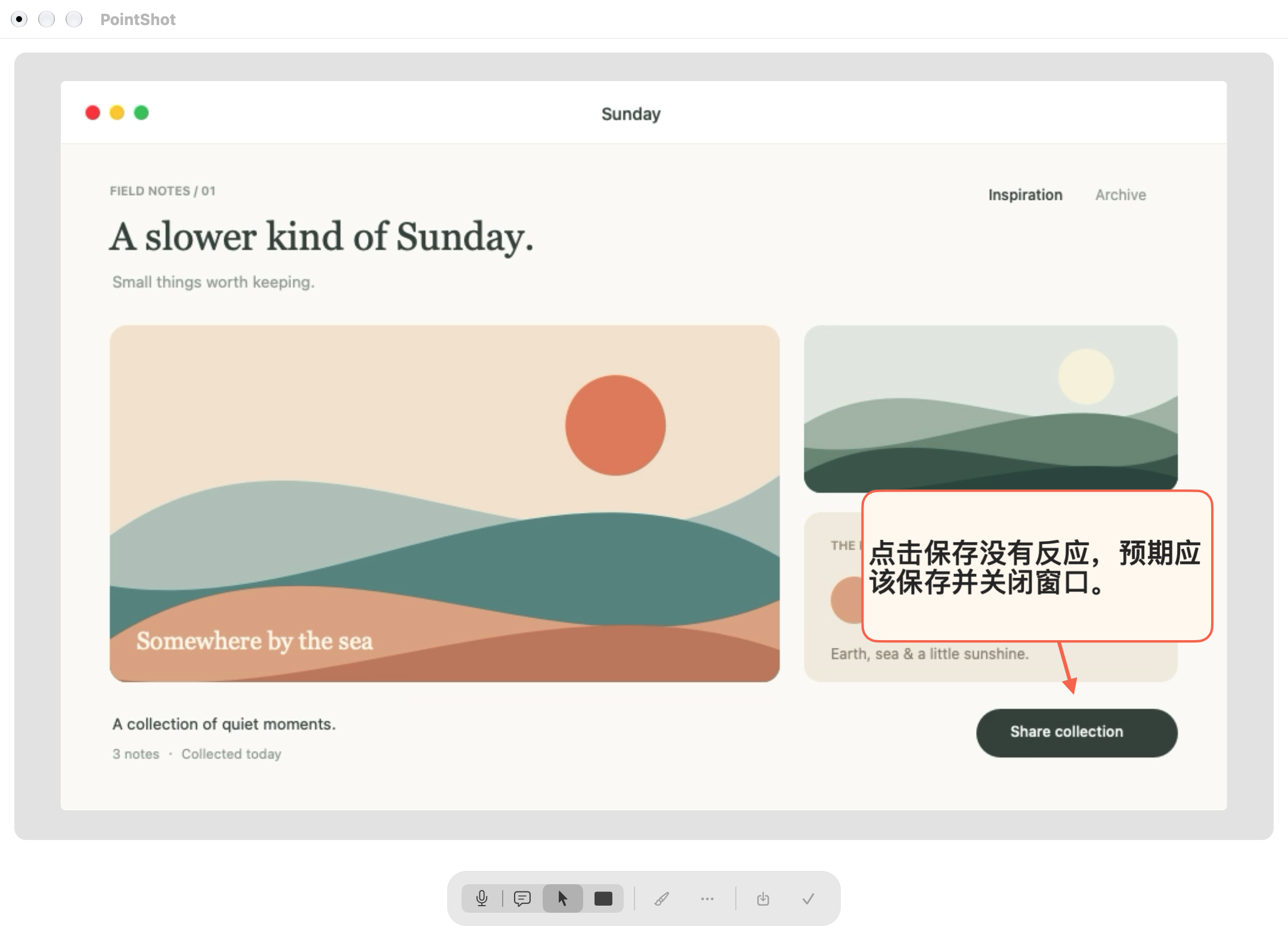
Hold a detail, say your feedback, then release.
Edit the bubble, move it, or cover private details. Copy or save when you’re ready.
Built-in Scripit OCR recognizes text on your Mac and copies it. Optional AI polishing uses your own provider.
Move a bubble and its arrow follows. Change the target, undo an edit, or come back to a saved project.
Native light and dark appearance, a minimal toolbar, and a shortcut you can make your own.
ON YOUR MAC
Speech transcription and text recognition run locally. Optional AI polishing sends only the recognized text to your configured provider. Redacted PNG exports cover private details with solid black.
Apple Silicon Macs running macOS 27 or later. Intel Macs and macOS 26 are not supported by this release.
Screenshot capture, annotations and local OCR are available without a separate PointShot activation. Optional AI polishing follows the existing Scripit trial and license rules; provider usage may incur separate costs.
Screen recording for captures and microphone access for spoken annotations. The global shortcut does not need Accessibility permission. System speech models may need an initial download.
Not yet. This version focuses on region screenshots, annotations, OCR and PNG export.
Yes. Save a .pointshot project or reopen a recent screenshot. Projects preserve the original image, so share an exported PNG when you need redaction.